
Oexta Check-in for Windows
Every visitor signed in,
badged and announced.
A visitor sign-in kiosk for offices, schools, studios and workshops. Visitors tap to sign in, sign your visitor agreement, smile for a badge photo, and their host gets an email. No monthly fee: it runs on your own PC or tablet.
For visitors
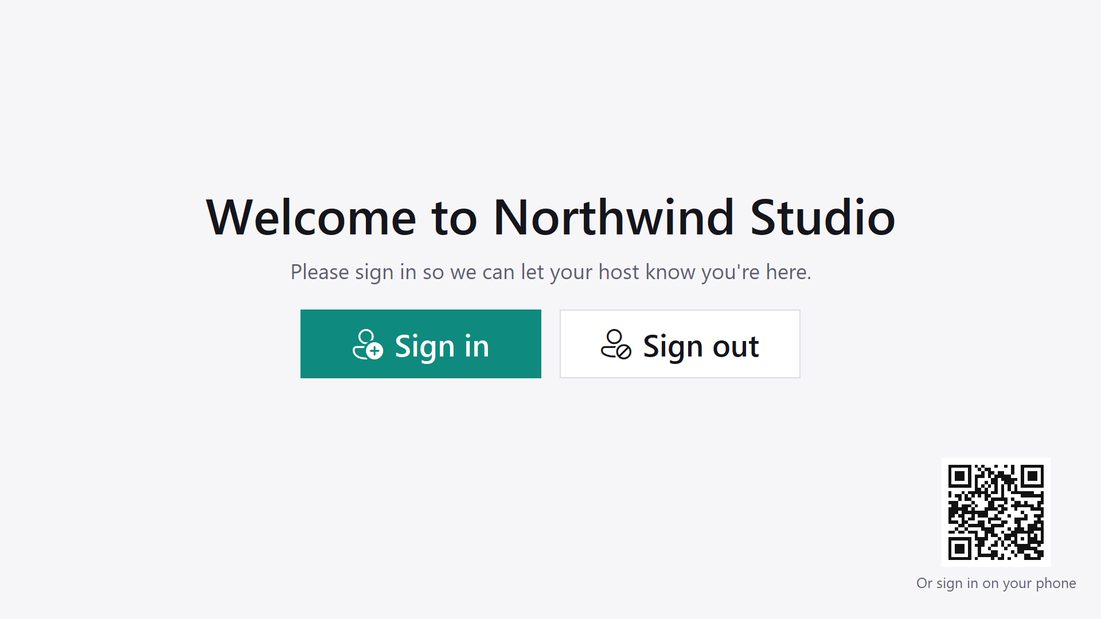
Signed in within a minute.
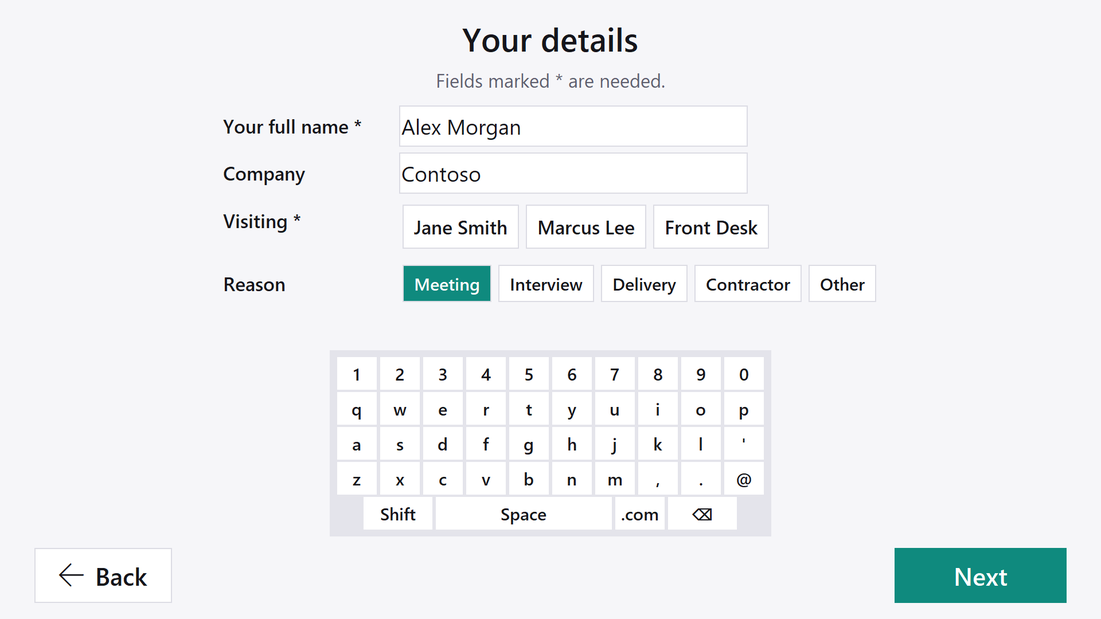
- Name, company and who they're visiting, with an on-screen keyboard made for touch
- Read and sign your visitor agreement or NDA with a finger
- A quick photo, then a printed visitor badge
- Rather not touch the screen? Scan the QR code and sign in on a phone
- One tap on their name to sign out
For the front desk
Badges, emails and a visitor log.
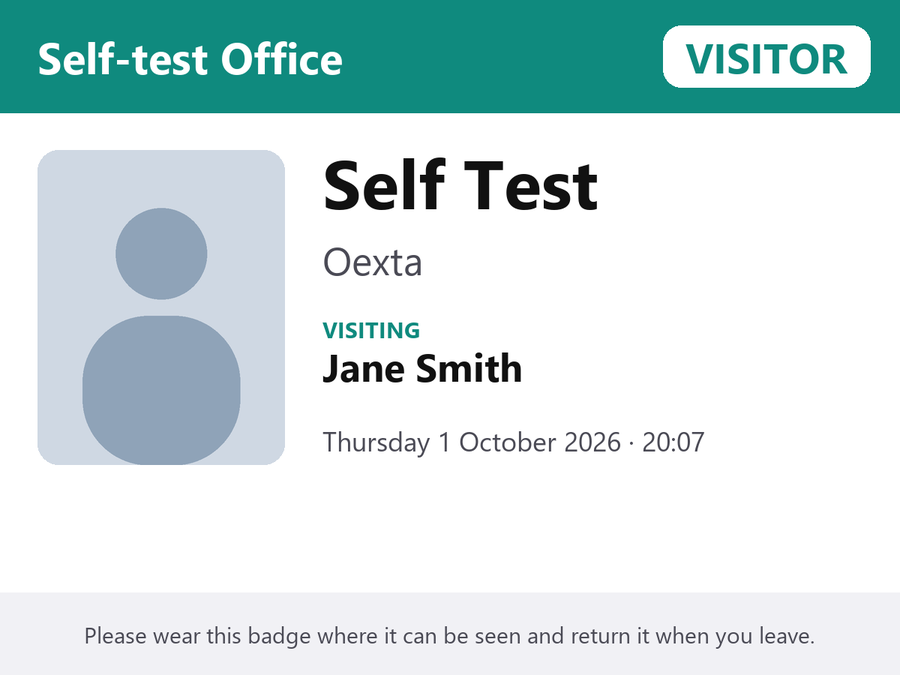
- Visitor badges with your name, logo and colour, the visitor's photo, host and time
- The host gets an email (with the photo) the moment their visitor arrives
- A searchable visitor log you can export to Excel, with who is on site right now
- Records are deleted automatically after 30 days, 90 days or a year, as you choose
- A front desk PIN keeps visitors in the kiosk
No monthly fee
Cloud visitor systems charge per location every month. Check-in runs on a PC or tablet you already have.
Your visitors' data stays with you
Names, photos and signatures are saved only on your PC. Nothing is uploaded to us. Privacy policy
Works with what you have
Any webcam, any printer (label or paper), and your own email account for host notifications.
Requirements
Windows 10 (version 2004) or Windows 11, 64 bit. A touch screen, camera and printer are recommended but optional. Questions? support@oexta.com